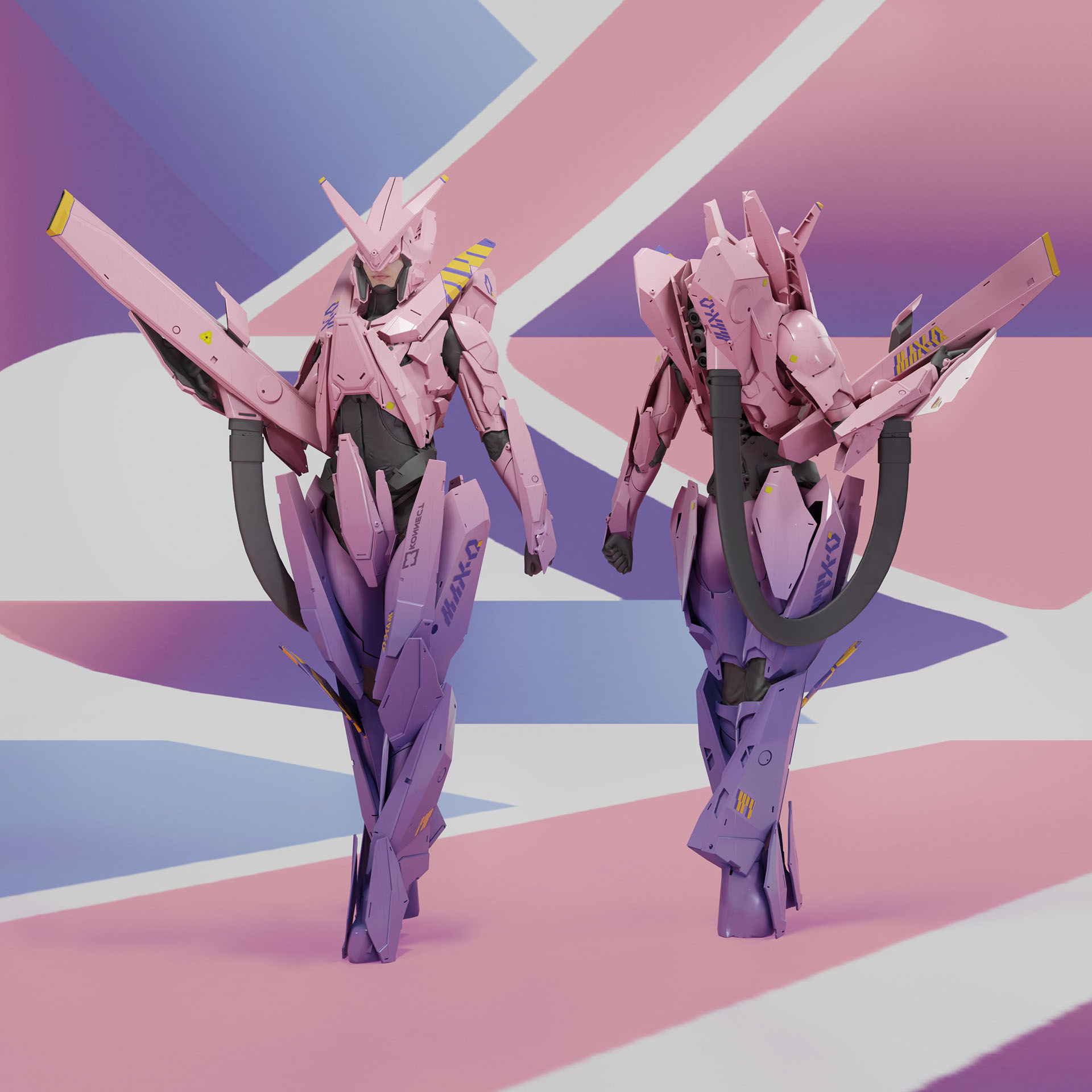
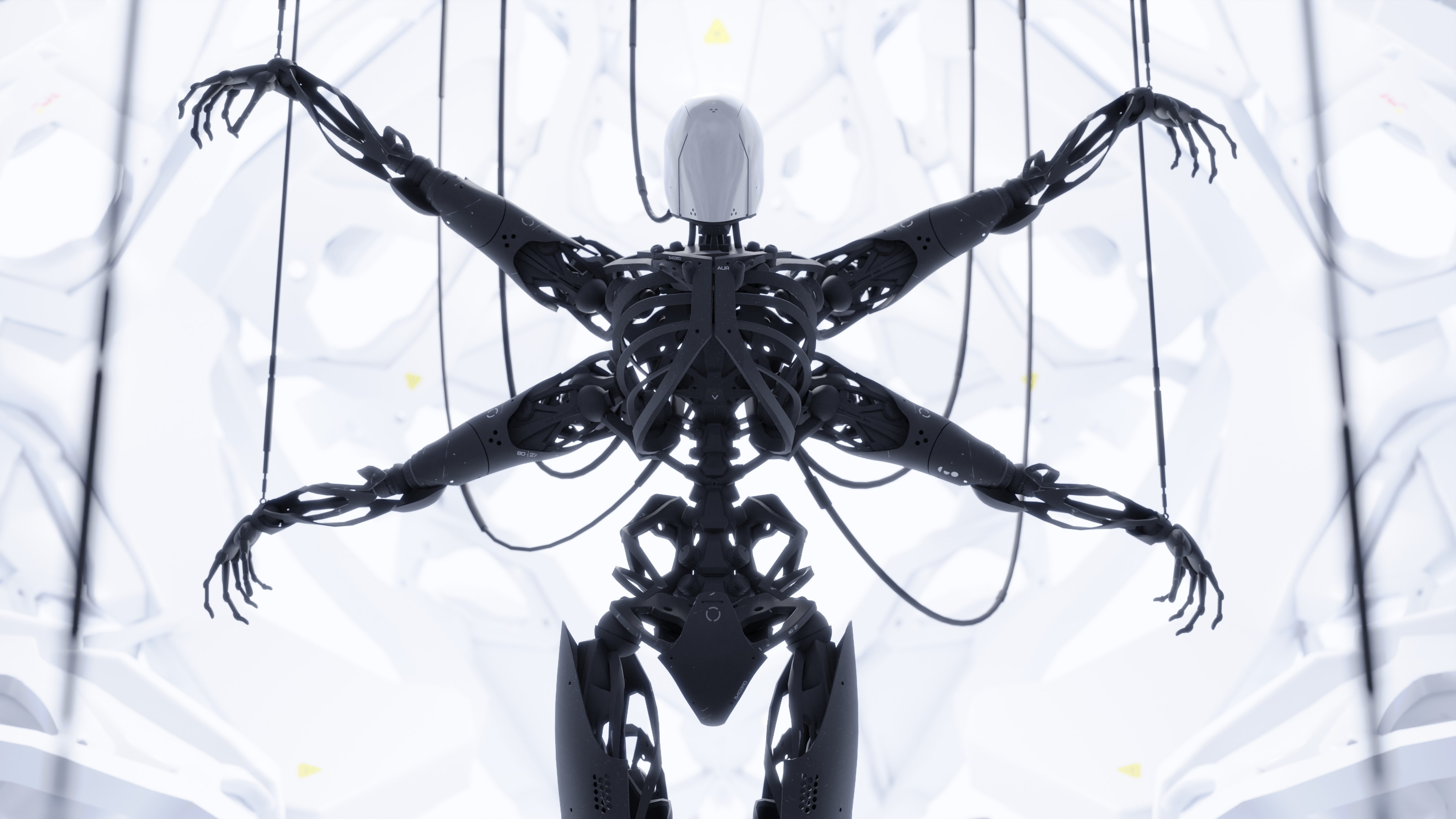
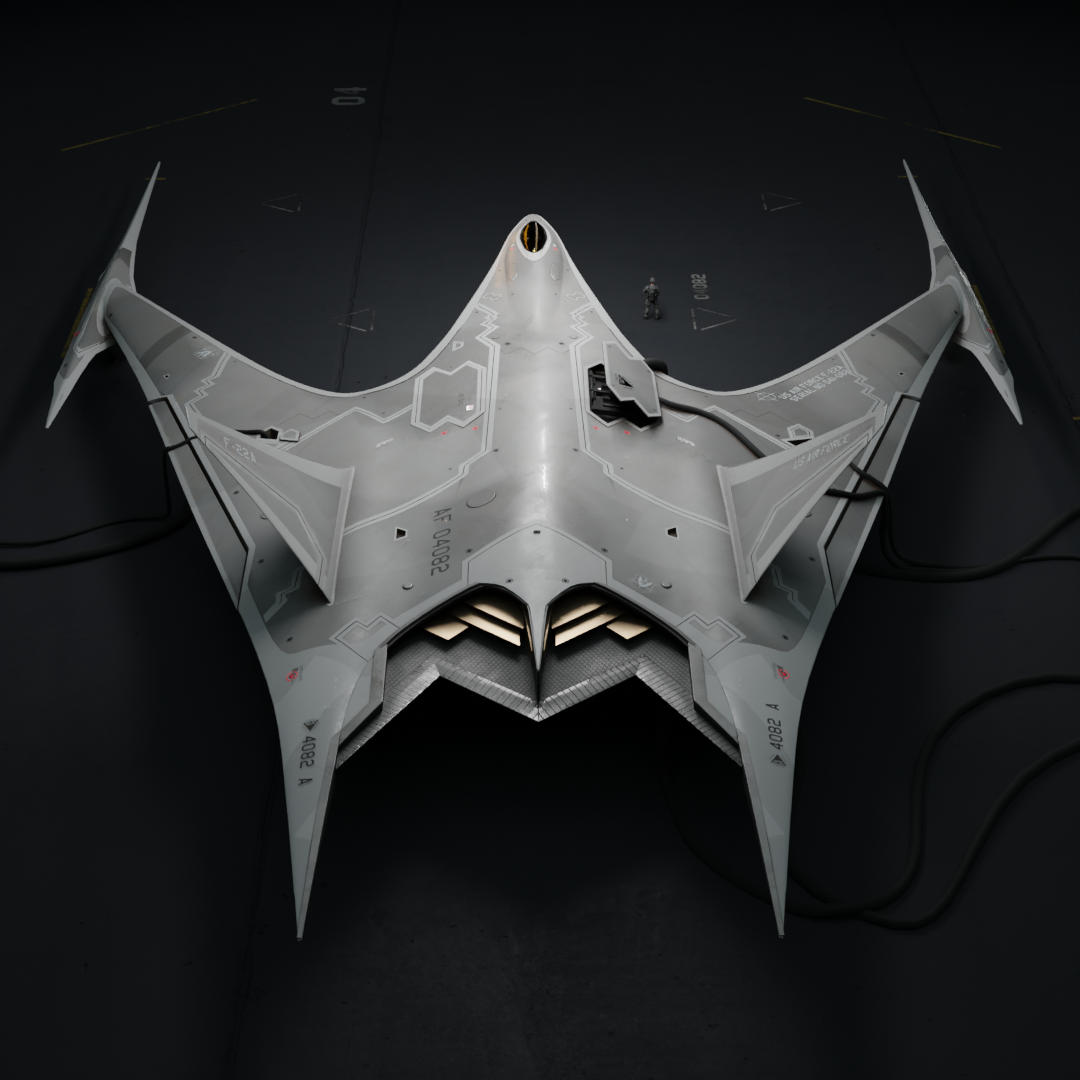
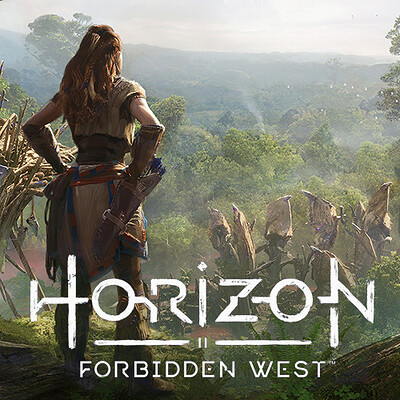
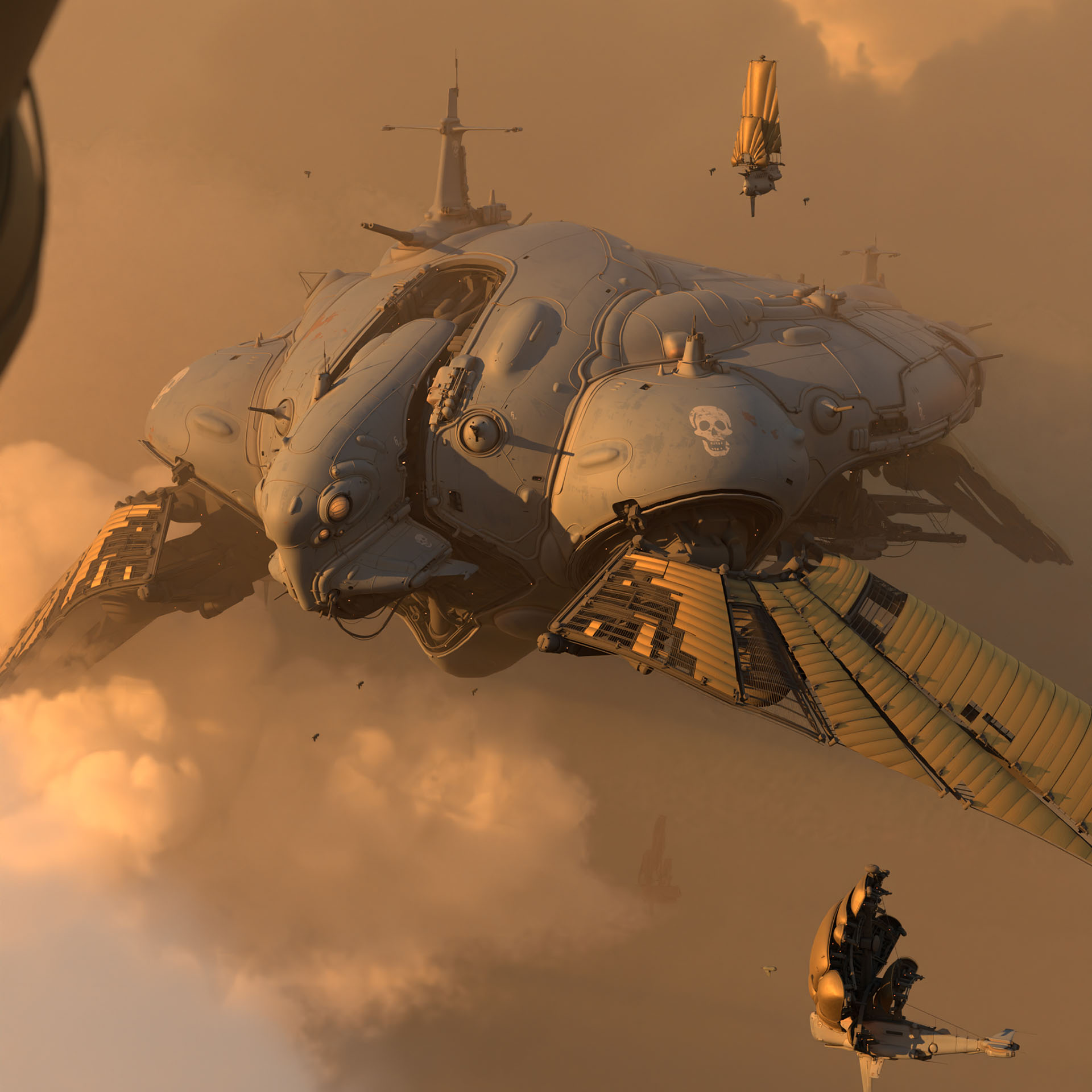
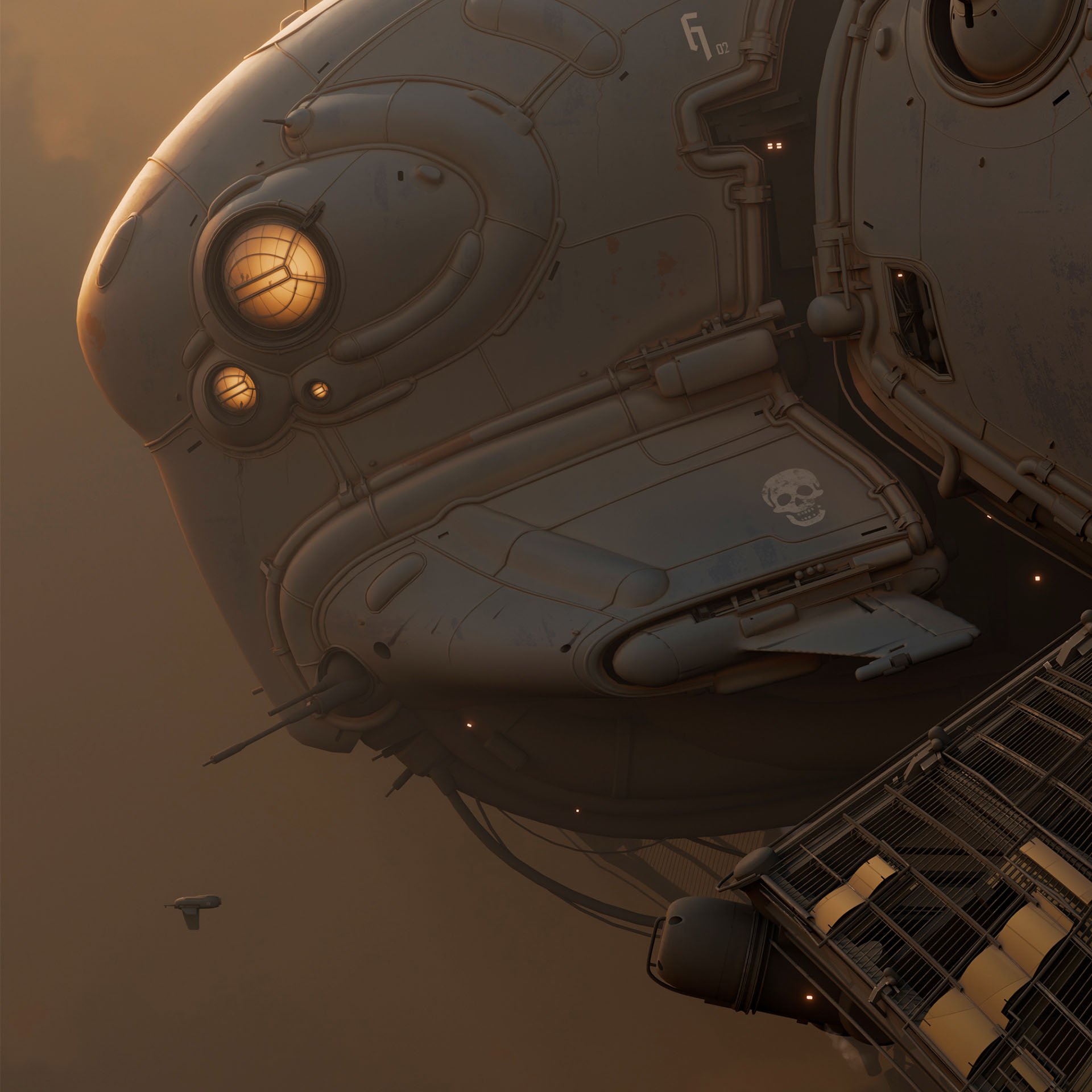
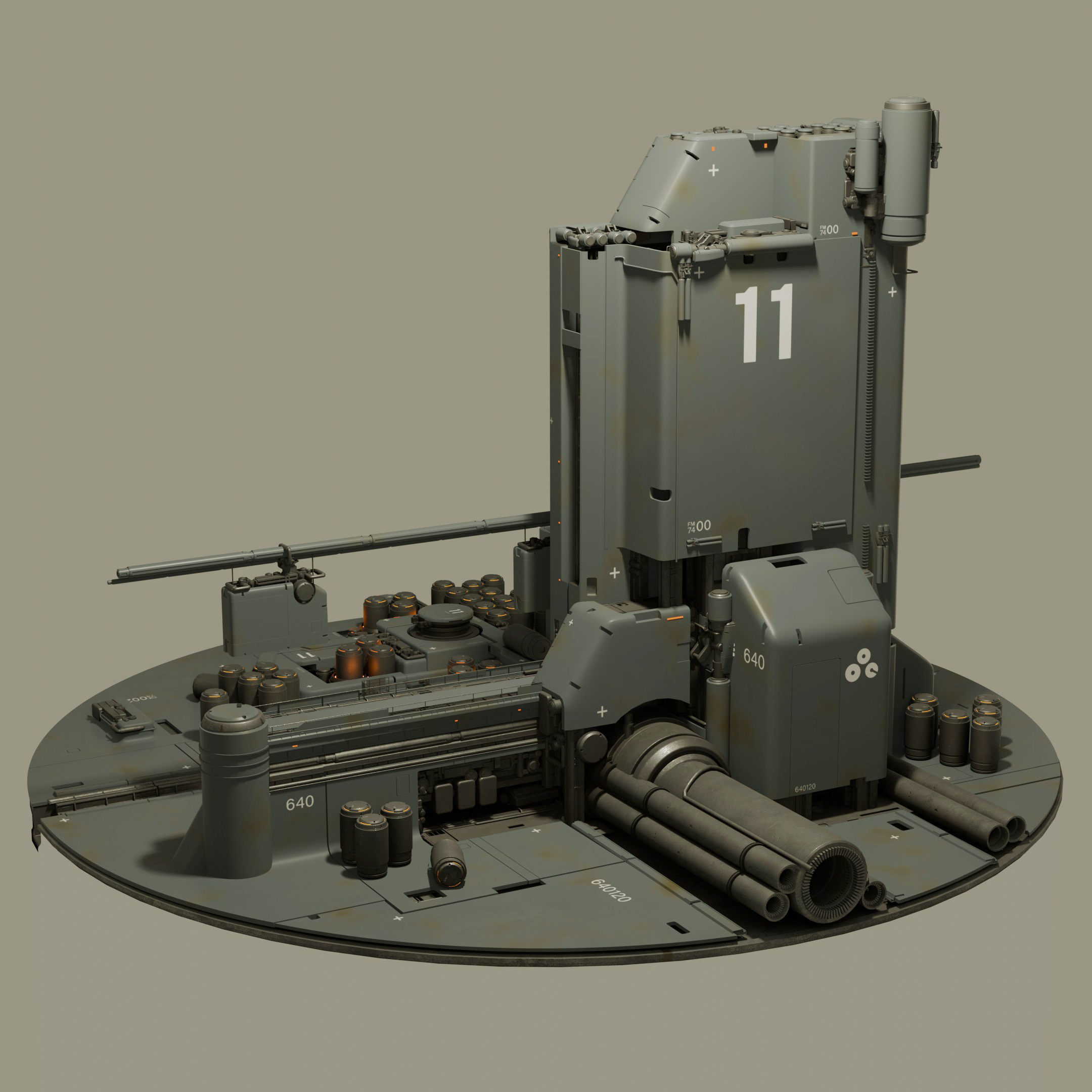
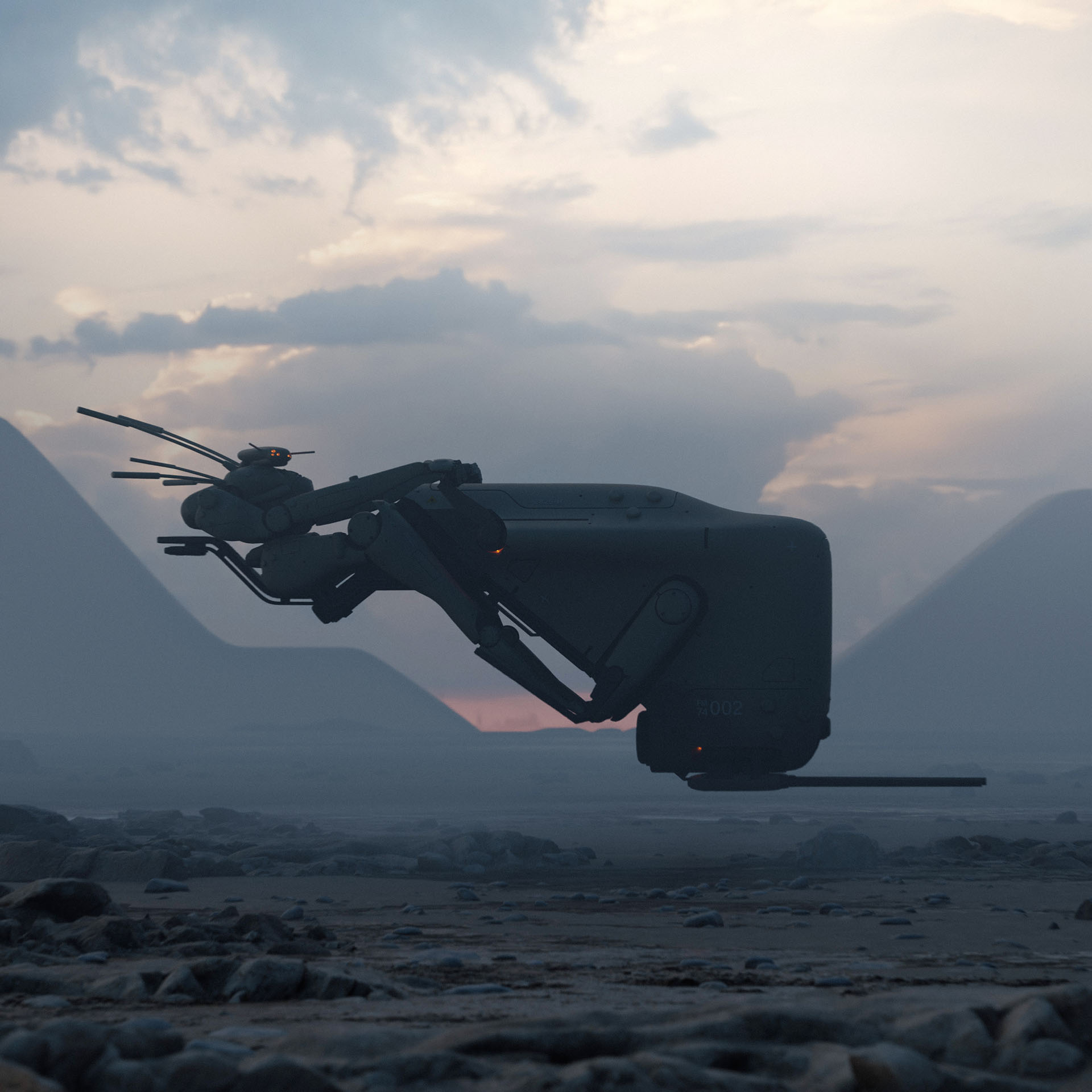
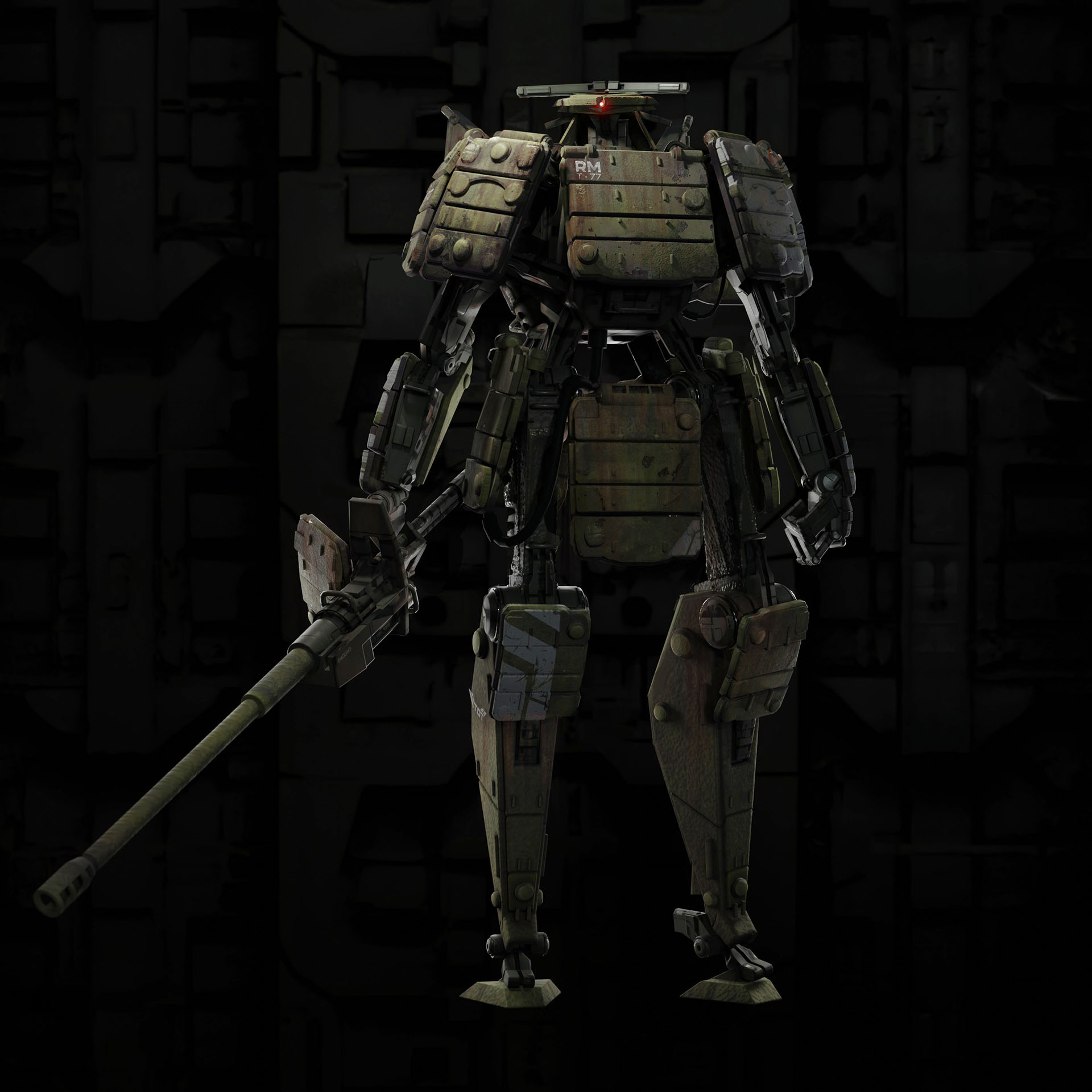
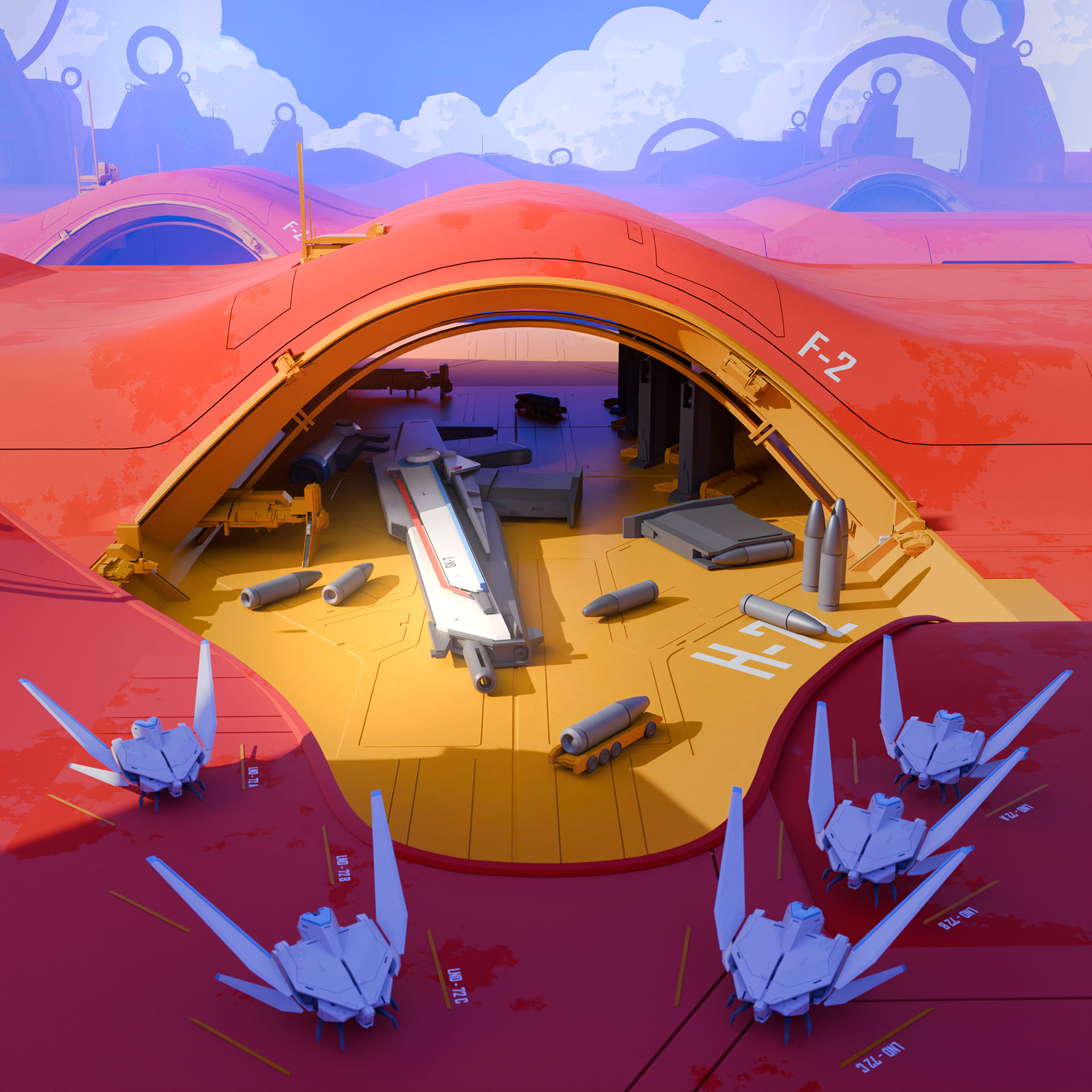
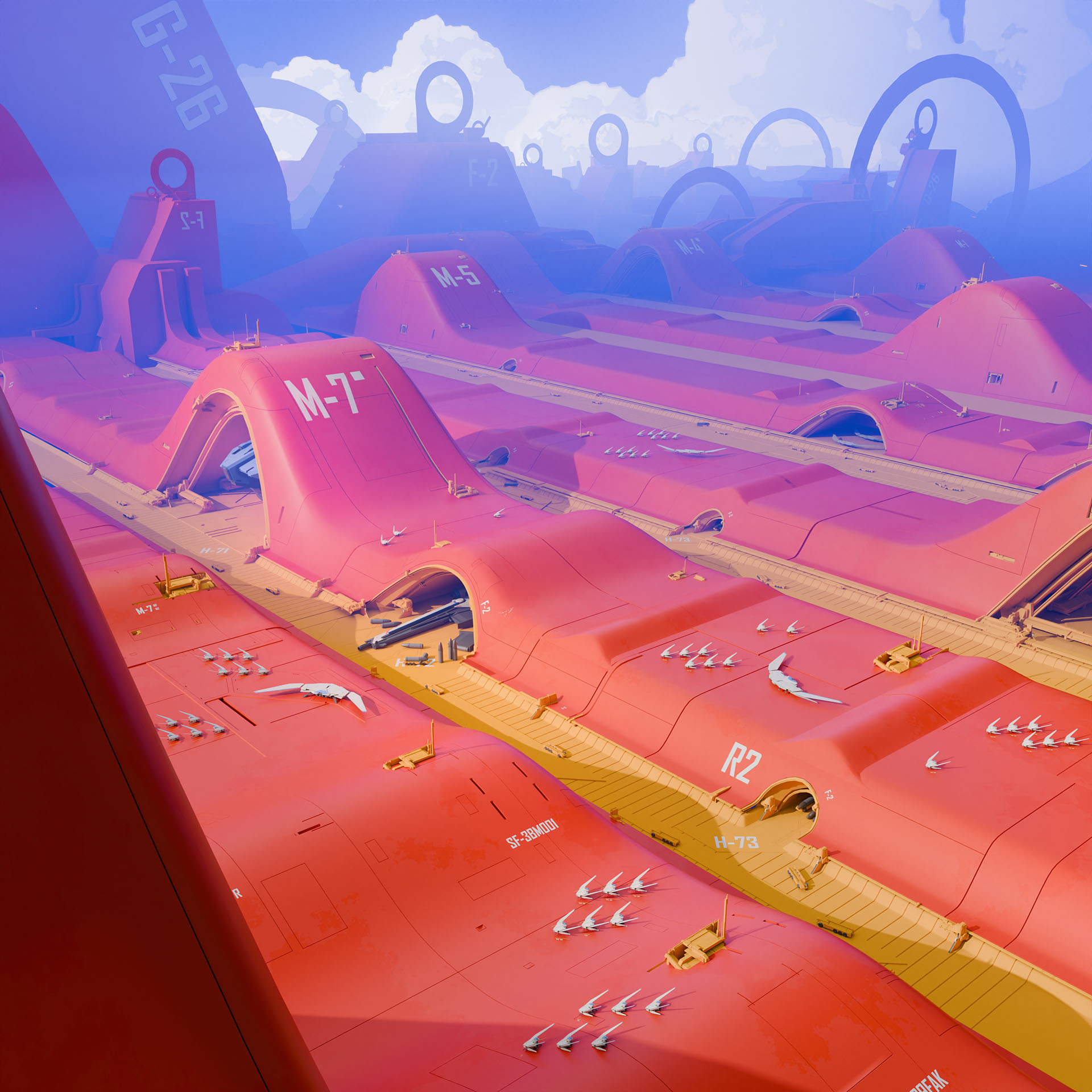
Projects I worked on:
Clients I worked with:

TRAILER

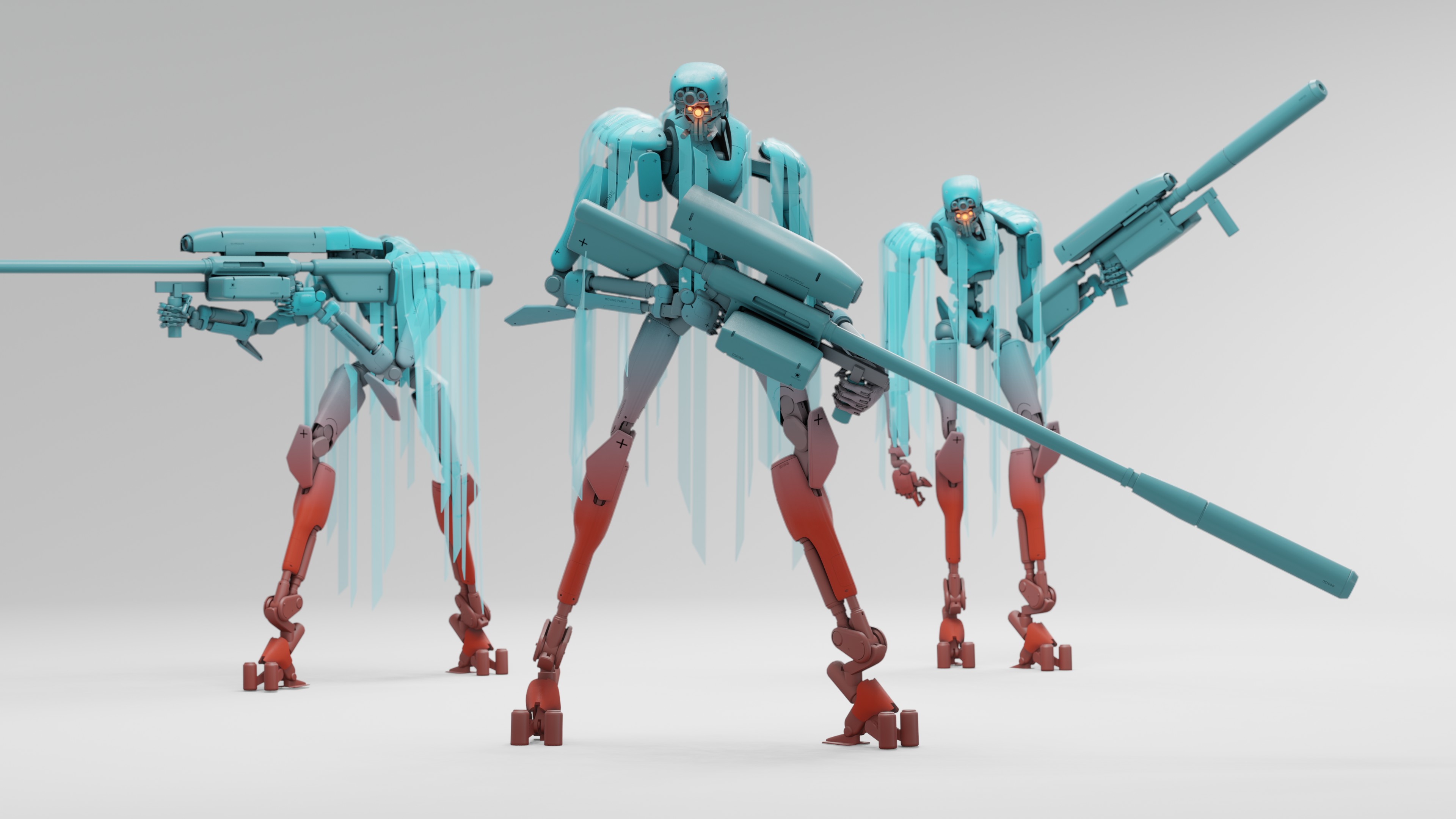
Here is what's inside.
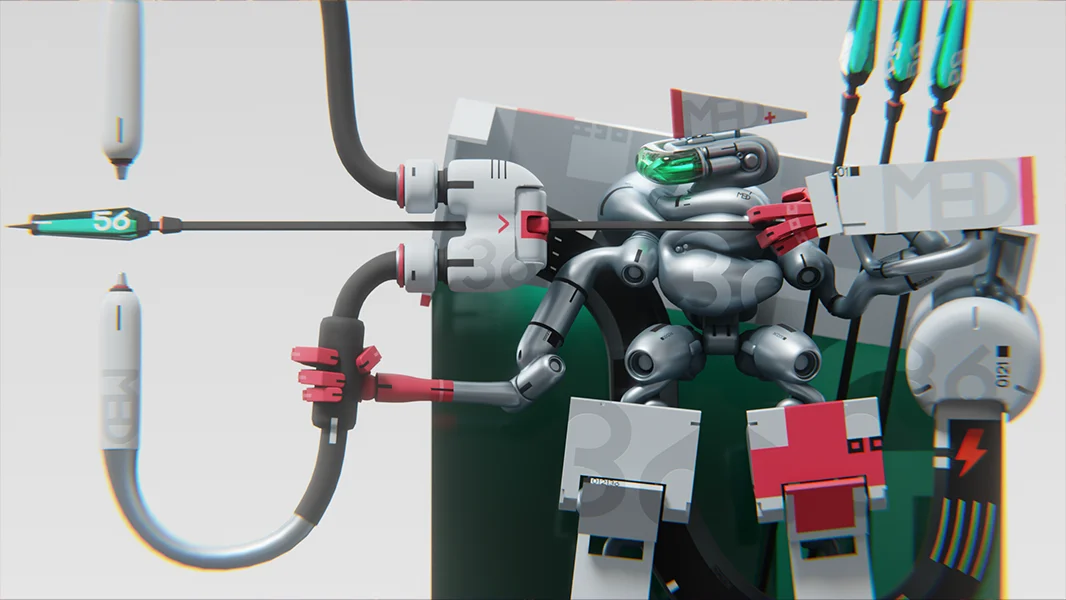
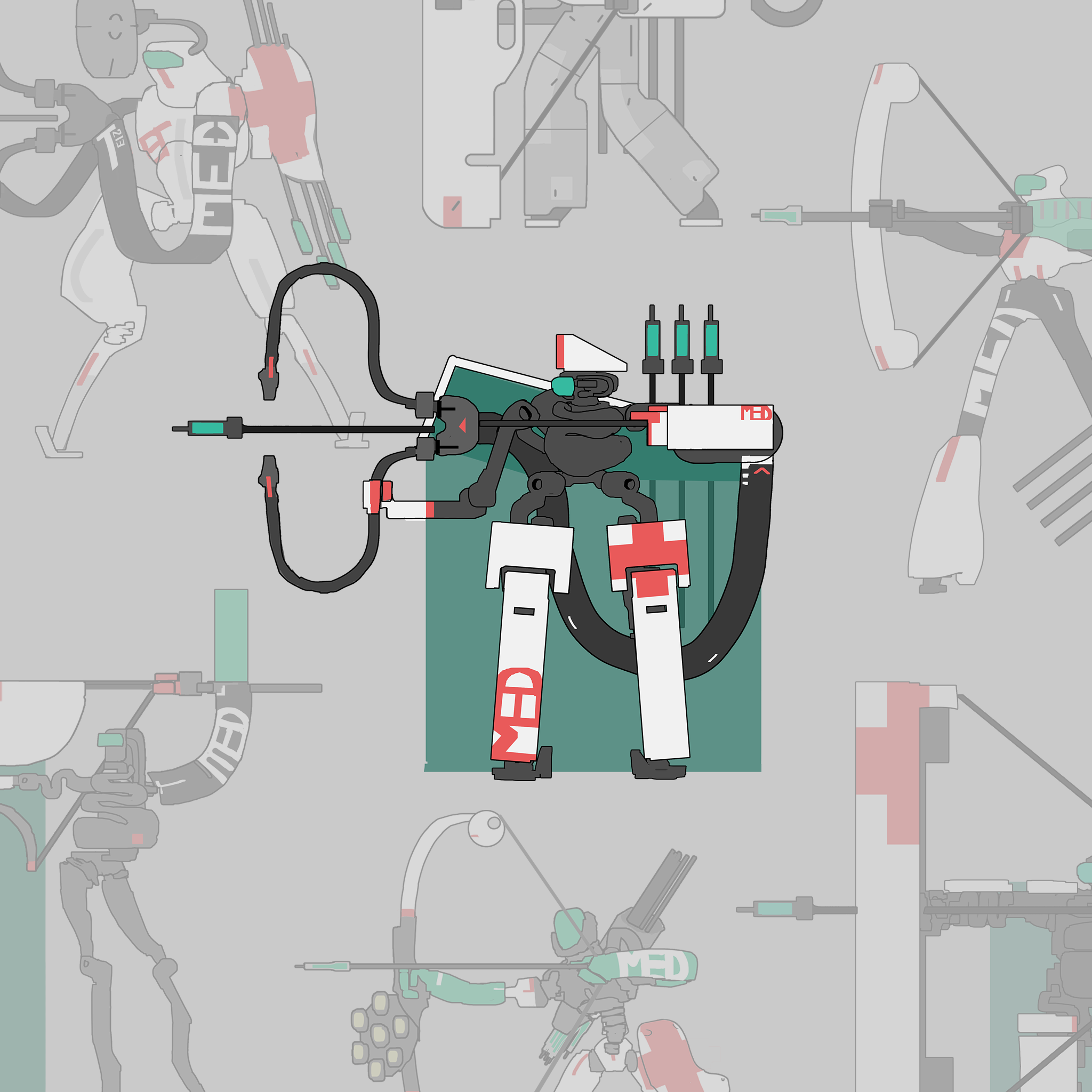
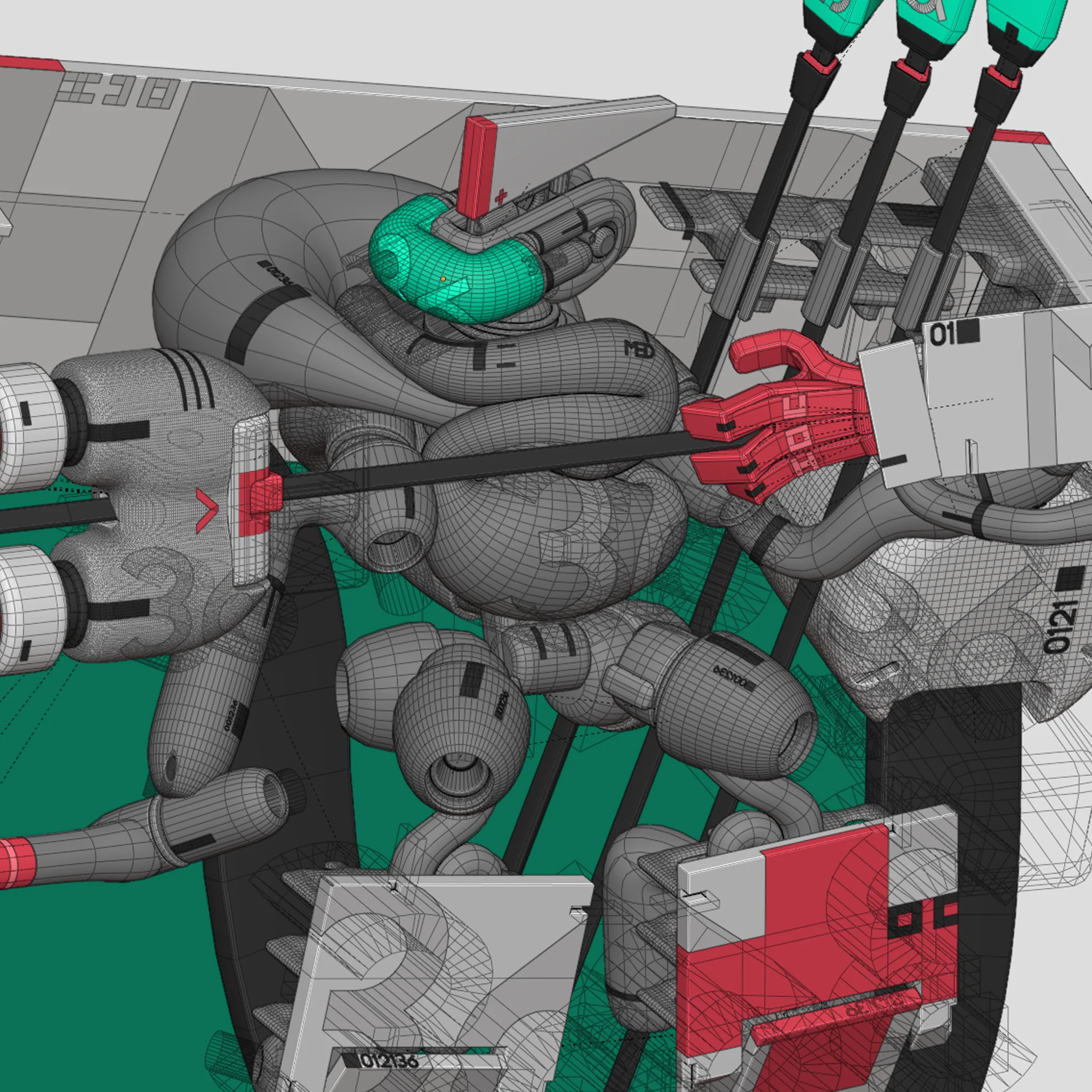
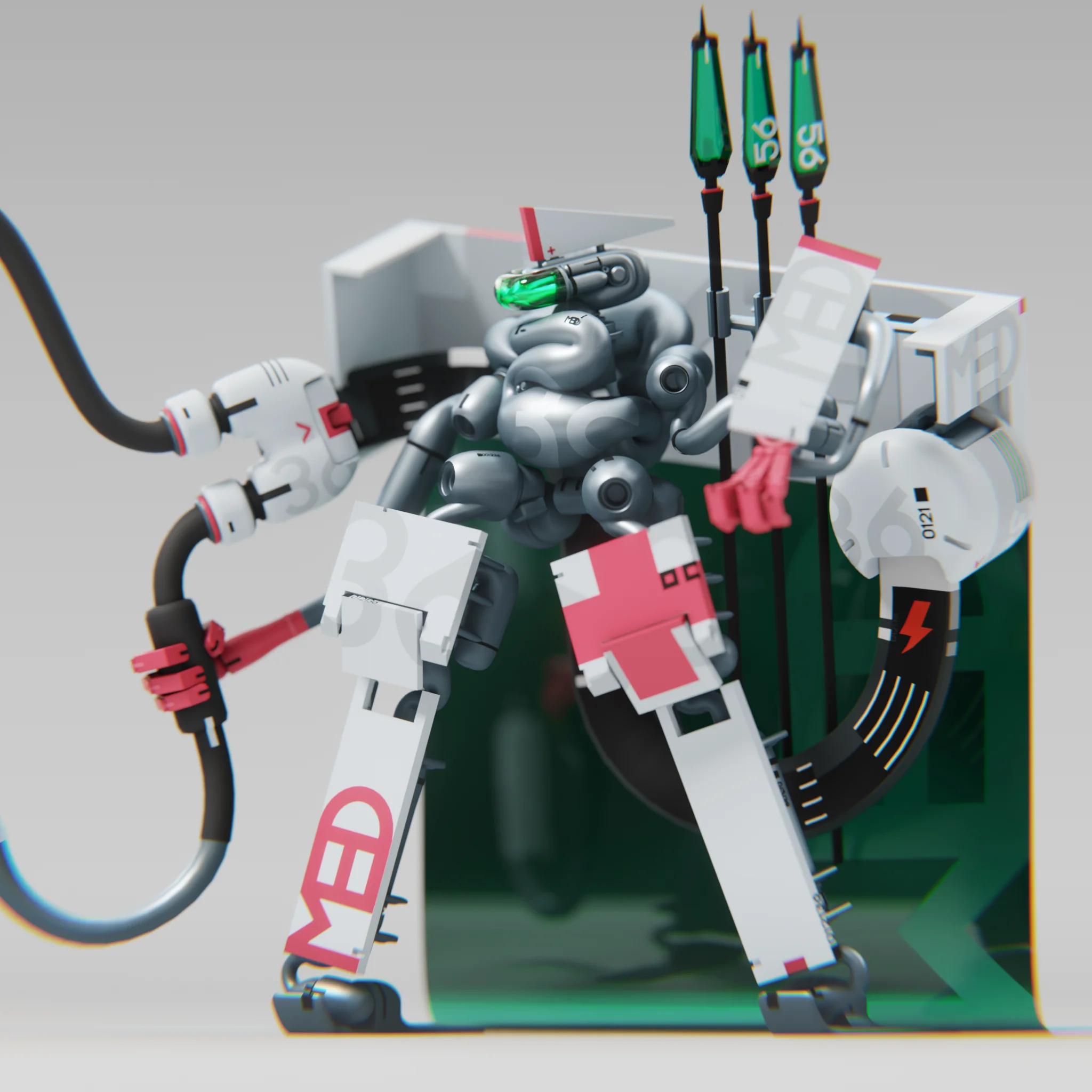
MED ARCHER
tutorial by AURORA MACHINA
DISCOVER
CREATIVE
IDEAS
Fresh new ideas are born from curiosity.
  • How to get Inspired
  • What an idea is made of
  • Sketching and combination of concepts
Visual Design
JUMP INTO THE
BLENDER
WORKFLOW
Learn the fundamental functions and model
the robots you want.
  • Introductions to the basics of 3D modeling
  • Overview of the most important functions
  • Demo 3D .blend files
Blender Workflow
FOLLOW THE
DESIGN
PROCESS
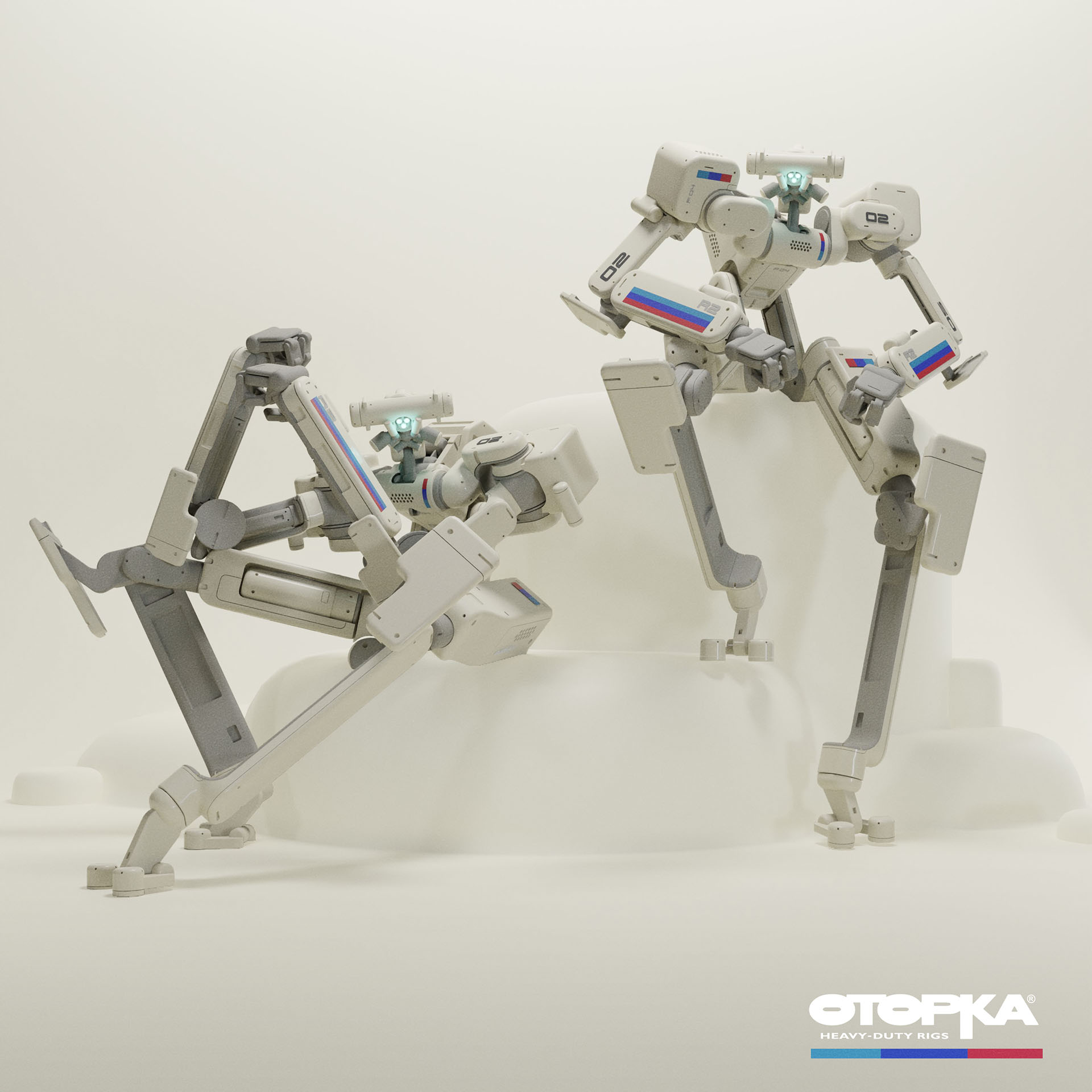
See how to go from a rough sketch to the final 3D.
  • From rough blockout to detailed 3D concept
  • Designing joints with animation in mind
  • Decals, materials & lighting
  • Rendering studio shots and a turntable
World Building

REQUIREMENTS
Softwares you'll need:
  • Blender (100% Free)
  • Any 2D Painting Software (Photoshop, Krita, Procreate, etc.)
  • Blender Add-ons (Highly Recommended): While you I show the functions of Blender in their native way, I highly recommend using some specific paid add-ons to completely remove technical friction and model much faster. The most important ones being HardOps and PieMenuEditor.

Blender experience: you'll get the most out of this if you can already move around the viewport. No modeling or design background needed — that's what we cover.

ABOUT ME

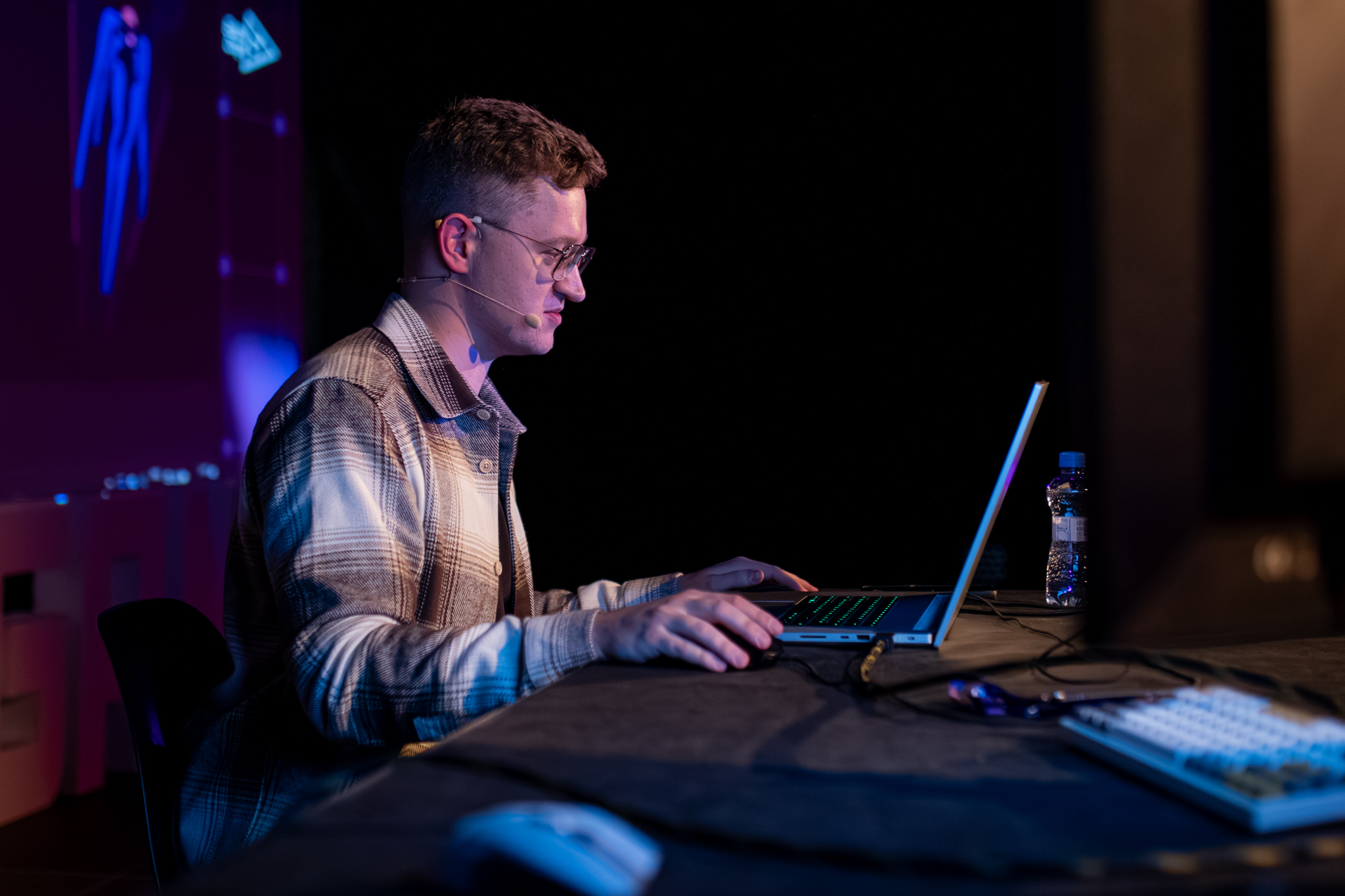
Hi, I’m Andrei Kurylovich, you might also know me as AURORA MACHINA. I work as a Concept Designer in the entertainment industry. Over the last decade, I've had the opportunity to design environments, props, machines and characters for various AAA games.

Besides my professional work I also do a lot of personal art and worldbuilding projects which I share on the internet.

In this tutorial I will show you how to find new and fresh ideas, sketch them in Photoshop, combine the best ones and finally build a highly detailed 3D concept in Blender.
Andrei Kurylovich